
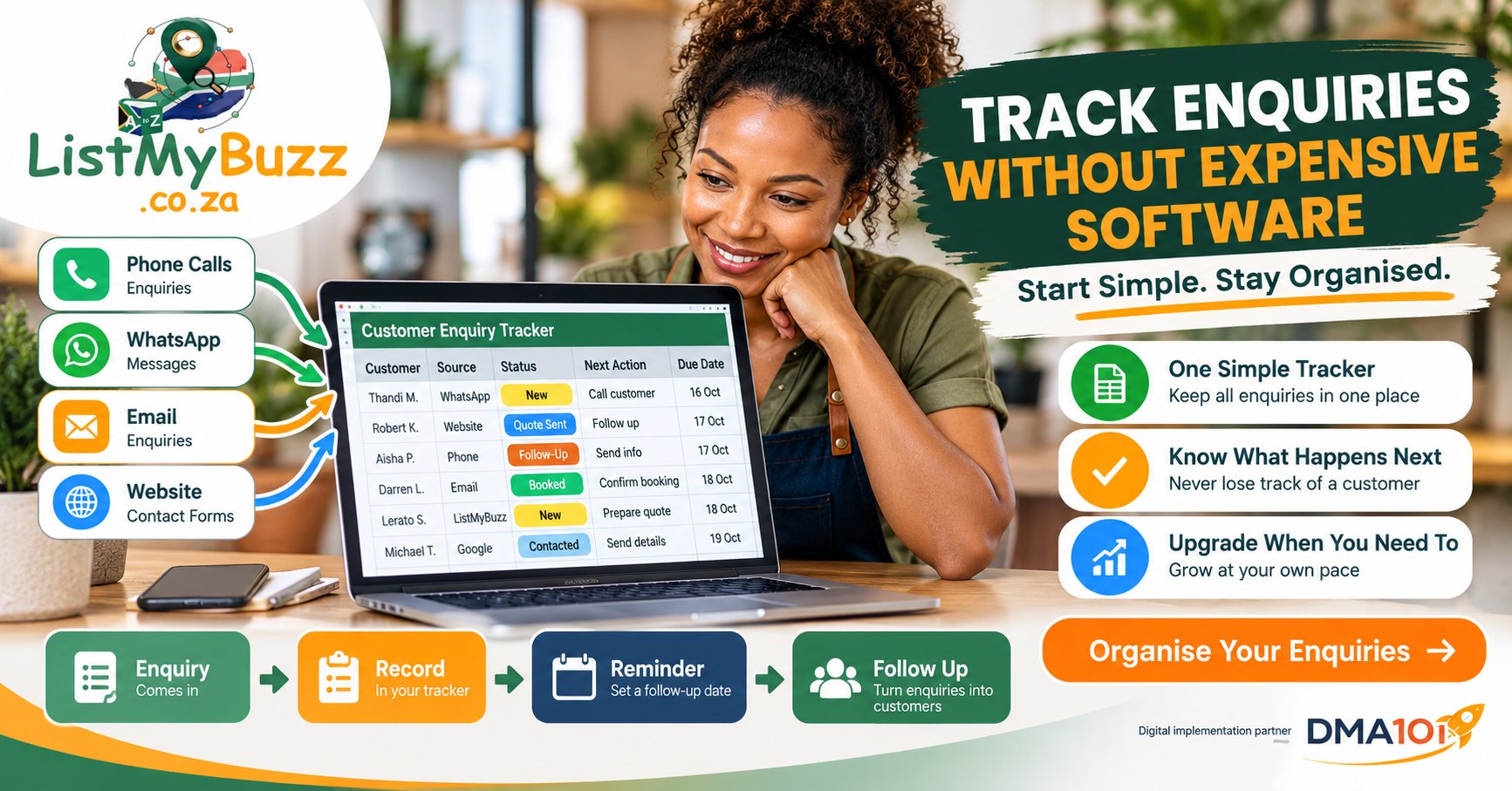
A customer calls on Monday. Another sends a WhatsApp on Tuesday. Someone emails asking for a quote. A fourth person completes your website form.
By Friday, you remember that one of them was supposed to receive a callback.
But which one?
This is how many small businesses start losing track of potential customers.
Not because nobody cares.
Not because the business needs complicated technology.
The problem is usually much simpler:
There is no single place showing what each customer needs and what should happen next.
The good news is that you can solve much of this without buying expensive software.
A simple enquiry-tracking spreadsheet, combined with your phone, calendar and messaging tools, can provide enough structure for a small business to manage its early customer pipeline.
The important thing is not the software.
It is the process.
Quick answer
To track customer enquiries without expensive software, create one simple tracker containing:
Then make one rule:
Every genuine customer enquiry goes into the tracker.
Review it every day.
Update it after every meaningful conversation.
Close enquiries when they are finished.
That alone can make your customer follow-up much easier to manage.
In this guide
- 1.Start with the problem, not the software
- 2.Your first enquiry tracker can be very simple
- 3.Which columns should you include?
- 4.Keep your statuses simple
- 5.How to track WhatsApp enquiries
- 6.How to handle phone enquiries
- 7.Use your calendar for follow-up reminders
- 8.Track quotations properly
- 9.Track where customers are coming from
- 10.Use one master tracker
- 11.Your daily enquiry review can take 10 minutes
- 12.Create a weekly cleanup
- 13.What usually breaks a spreadsheet system?
- 14.Manual tracking vs CRM
- 15.How ListMyBuzz fits when your process grows
- 16.When professional setup may make sense
- 17.Protect the customer information you collect
- 18.A simple enquiry tracker you can build today
- 19.Your enquiry-tracking checklist
- 20.Frequently asked questions
Start with the problem, not the software
It is easy to assume:
"We need a CRM."
Perhaps you do.
But first ask:
What problem are we actually trying to solve?
Maybe your real problem is simply:
"I forget who needs a callback."
Or:
"Quotes disappear inside WhatsApp conversations."
Or:
"My employee spoke to the customer, but I don't know what happened."
Or:
"I don't know which enquiries are still active."
Those problems don't necessarily require expensive software.
They require one reliable record.
For a small business, that record can begin as a spreadsheet.
Your first enquiry tracker can be very simple
You don't need 40 columns.
Start with something like this:
| Customer | Contact | Need | Source | Status | Owner | Next Action | Due |
|---|---|---|---|---|---|---|---|
| Thabo | 082 xxx xxxx | Geyser repair | New | Kabelo | Call customer | Today | |
| Priya | 083 xxx xxxx | Website quote | Website | Quote Sent | Sarah | Follow up | Thursday |
| Lerato | 084 xxx xxxx | Hair booking | Booked | Nomsa | Confirm booking | Friday | |
| Michael | Accounting help | Referral | Waiting | John | Customer to send docs | Monday |
Nothing fancy.
But you can now answer:
That is the foundation of enquiry management.
Which columns should you include?
Your enquiry record does not need to contain everything you could possibly know about a customer.
Start with practical information.
Customer name
Record enough to identify the person. If you deal with businesses, also include the company name where useful.
Contact information
Usually phone or email. You may need both, but don't collect information simply because there is space for it.
What they need
Keep it short. For example: blocked drain, website quote, wedding photography, vehicle service, accounting consultation.
Enquiry source
Record where the customer found or contacted you. For example: Google, ListMyBuzz, website, Facebook, Instagram, WhatsApp, referral, existing customer. This becomes useful later when you want to understand which channels are producing meaningful conversations.
Status
This tells you where the enquiry is currently sitting.
Owner
Who is responsible? Even if you are a one-person business, this becomes useful when you later add staff.
Next action
This is one of the most important fields. Examples: call customer, prepare quote, send booking link, wait for photos, follow up, confirm appointment.
Due date
When should the next action happen? Without a date, "follow up later" often becomes "forgotten".
Keep your statuses simple
Don't turn your spreadsheet into a complicated CRM.
A small-business tracker might use only:
Simple Enquiry Statuses
New
Contacted
Information Needed
Quote Sent
Follow-Up
Booked
Closed
You can add:
if those outcomes occur often enough to matter.
The important thing is that everyone understands what each status means.
What does "New" mean?
A genuine enquiry has arrived but the business has not yet properly dealt with it. For example: "Hi, can you quote me for painting a three-bedroom house in Kempton Park?" Record it as Status: New. Then create Next action: Contact customer.
What does "Contacted" mean?
Someone from the business has responded and the conversation has started. You may still need photos, measurements, location, appointment date or product specifications. The enquiry is active, but not ready to quote or book yet.
What does "Information Needed" mean?
The business cannot move forward until something arrives. For example: customer to send room measurements, waiting for vehicle registration details, customer to confirm event date. This is useful because it distinguishes "we need to do something" from "the customer needs to do something".
What does "Quote Sent" mean?
The quotation has been delivered. But don't stop there. Add quote sent date and next follow-up date. For example: Quote sent 4 October, next action check receipt, due 5 October. Your tracker now tells you what happens next instead of simply recording history.
What does "Follow-Up" mean?
The customer has received the relevant information, but the conversation is still open. This could include quote follow-up, availability confirmation, customer considering options, awaiting internal approval, or waiting for a decision. Follow-up should be useful, timely and respectful. It should not become endless chasing.
What does "Closed" mean?
The enquiry has reached an outcome. That might mean booked, job completed, customer declined, customer chose another provider, request cancelled, or no longer suitable. Closing an enquiry is important. Otherwise your spreadsheet eventually contains 700 "active" leads that nobody is actually working on.
How to track WhatsApp enquiries
WhatsApp is often excellent for customer conversations.
It is less useful as your only enquiry-management system.
A long list of chats does not immediately tell you:
Use WhatsApp for communication
Then use your tracker for the process.
For example:
Hi, please quote me for repairing my gate motor in Benoni.
Tracker
Customer: Peter
Service: Gate motor repair
Source: WhatsApp
Area: Benoni
Status: New
Next action: Ask for photos
Due: Today
Once the customer sends the photos:
Status: Contacted
Next action: Prepare quote
Due: Tomorrow
The WhatsApp conversation remains useful. The tracker tells you what needs to happen.
Don't try to copy every WhatsApp message into your spreadsheet
Your tracker is not supposed to become a full transcript. Record useful operational information.
For example:
Good note
Customer needs geyser inspection. Available Tuesday morning.
Unnecessary note
Customer said hello at 09:14, then sent thumbs-up emoji at 09:17.
Keep the system manageable.
How to handle phone enquiries
Phone calls create a particular tracking problem.
Once the conversation ends, there may be no written record.
Create a simple habit:
Call ends → update tracker
This can take less than a minute. Record:
For example:
Mandla called about aircon servicing in Midrand. Needs two units serviced. Send estimate tomorrow.
Status: Quote Required
Next action: Prepare estimate
Due: Tomorrow
Don't use your recent-call list as a customer database
Your phone may show: 082 xxx xxxx
That does not tell you who they are, why they called, whether someone replied, whether a quote is due, or what happens next.
If a missed caller becomes a genuine business enquiry, move the relevant information into your tracker.
The broader missed-call process is: missed call → acknowledgement → callback → enquiry → next action.
Use your calendar for follow-up reminders
Your spreadsheet tells you what needs to happen.
Your calendar can remind you when.
Suppose a customer says:
Contact me after payday on the 25th.
Don't leave a note saying:
Follow up later.
Create a calendar reminder:
25 October: Follow up with Lerato about catering enquiry
The customer gave you a specific time. Respect it.
This approach is simple but effective for lower enquiry volumes.
Create one follow-up block in your day
Instead of remembering follow-ups randomly throughout the day, create a routine.
For example:
09:00
Review new enquiries.
14:00
Review quotations and follow-ups.
16:30
Check tomorrow's actions.
Your schedule may be different. A tradesperson may prefer early morning and late afternoon. A salon may review enquiries between appointments.
The exact timing matters less than doing it consistently.
Colour coding can help, but don't overdo it
A simple tracker can use colours such as:
Green
booked or completed
Orange
action needed
Yellow
waiting
Grey
closed
But remember: the text status should still explain what the colour means. Do not build a system where staff have to remember that "purple means quotation revision waiting for manager approval". Keep it simple.
Track quotations properly
Quotations often create the biggest gap in the customer journey.
A business may send 20 quotes and have no idea what happened afterwards.
Add fields such as:
For example:
| Customer | Quote Sent | Follow-Up | Outcome |
|---|---|---|---|
| ABC Projects | 2 Oct | 4 Oct | Pending |
| Lerato M. | 3 Oct | 5 Oct | Accepted |
| Mokoena Family | 3 Oct | 7 Oct | Declined |
This starts giving you a clearer picture of open work.
Keep quotations and enquiry tracking connected
ListMyBuzz also provides a South African Invoice Generator that can be used for invoices and quotations as part of its free business tools. The platform's approved business overview positions its free tools as practical SME resources, alongside an expense tracker, margin calculator and job card generator.
Creating the quote and tracking the quote are different tasks. Your quotation tool creates the document. Your enquiry tracker reminds you what happens afterwards.
Track where customers are coming from
One of the most useful columns in your spreadsheet may simply be:
Source
Every time a genuine enquiry arrives, record:
After a few months, you may be able to see patterns.
For example:
| Source | Genuine Enquiries |
|---|---|
| 14 | |
| Referral | 9 |
| ListMyBuzz | 6 |
| 4 | |
| Website | 3 |
These are only example figures, not ListMyBuzz performance claims. The purpose is to show how your own business can record its own data.
Do not judge a channel only by website visits. An enquiry from someone who genuinely needs your service may be more useful than a large number of irrelevant visitors.
Add a "How did you hear about us?" habit
Sometimes the enquiry source is obvious. A website form came from the website. A ListMyBuzz enquiry came through the platform. A Facebook message came through Facebook.
Sometimes it isn't. A customer may simply phone you. Ask naturally:
"Just so we know, how did you hear about us?"
Record the answer. This costs nothing. Over time, it can improve your understanding of which channels actually lead to customer conversations.
Use one master tracker
A common mistake is creating:
That recreates the same problem in a different form.
Where practical, genuine customer enquiries should enter one main tracker.
Your communication channels can remain separate. Your enquiry pipeline should be unified.
Give every enquiry an owner
If several people work in the business, add Owner or Assigned To.
For example:
| Customer | Status | Owner |
|---|---|---|
| Peter | Quote Required | Sarah |
| Nomsa | Follow-Up | Kabelo |
| ABC Projects | Information Needed | John |
Now you know who is responsible.
Without ownership: everyone can see the enquiry. But nobody necessarily handles it.
Use a "next action" rule
This may be the most valuable rule in the whole article:
Every open enquiry should have a next action.
Not "Active." Not "Pending." Those are statuses.
Ask: What specifically happens next?
Examples:
If you cannot identify the next action, the enquiry is likely to stall.
Your daily enquiry review can take 10 minutes
Open your tracker. Filter out closed items. Then ask:
What is overdue?
Handle those first.
What is due today?
Assign or complete the actions.
What is waiting for customers?
Leave it alone unless follow-up is due.
What has no next action?
Fix it.
What should be closed?
Close it.
You don't need a dashboard with animated charts to start managing customers more professionally.
Create a weekly cleanup
Once a week, review the tracker. Look for:
This prevents the spreadsheet from slowly becoming unreliable.
What usually breaks a spreadsheet system?
The spreadsheet itself is rarely the problem. The process is.
Nobody updates it
A tracker that was accurate three weeks ago is not a customer-management system.
Enquiries stay in personal phones
If only one employee knows about the customer, the central tracker is incomplete.
No next actions
You know the enquiry exists but not what to do.
Too many fields
Staff stop filling it in because it takes too long.
No ownership
Everyone assumes someone else is responsible.
Closed enquiries stay open
The list becomes cluttered and difficult to trust.
The solution is not necessarily buying more software. First improve the habits.
When your spreadsheet is working well
A spreadsheet may be enough when:
There is no reason to replace a simple system that still works.
Signs that your spreadsheet may have reached its limit
A CRM may become more useful when:
This is not failure. It simply means the business has become more complex.
Manual tracking vs CRM
| Need | Simple Tracker | CRM |
|---|---|---|
| Customer names | ✓ | ✓ |
| Contact details | ✓ | ✓ |
| Basic statuses | ✓ | ✓ |
| Next actions | ✓ | ✓ |
| Manual reminders | ✓ | ✓ |
| Shared pipelines | Possible | Stronger |
| Automated tasks | Limited | Common |
| Communication history | Manual | More integrated |
| Workflow automation | Limited | More suitable |
| Larger teams | Harder | More suitable |
The cheapest option is not always the best option. But the most expensive option is not automatically the best either.
Use the level of technology your business currently needs.
How ListMyBuzz fits when your process grows
ListMyBuzz is positioned as a South African directory and business-growth platform that connects customer discovery with enquiries, bookings, follow-up and communication tools.
For businesses that have outgrown purely manual tracking, its current Growth Tools are designed around functions such as:
The live ListMyBuzz site also currently positions its Growth Tools around responding faster, managing leads and reducing missed opportunities, while its package offering includes customer communication and CRM automation options.
The important point is not:
"You need a CRM immediately."
The better approach is:
Start simple. Upgrade when the manual process becomes a bottleneck.
When professional setup may make sense
Eventually, a business may want more than a spreadsheet.
You may want:
Connected System Flow
At that stage, the challenge is no longer just tracking. It becomes system implementation.
Businesses that need a broader connected digital setup can get professional support from DMA101.
DMA101 currently offers CRM setup, lead pipelines, workflow automation, forms, email and SMS follow-up, reminders, task flows, unified inbox management and related digital-growth systems.
DMA101 remains the professional implementation partner. ListMyBuzz remains the directory, discovery and business-growth platform, in line with the approved brand structure.
Protect the customer information you collect
An enquiry tracker contains personal information.
Even a basic spreadsheet may include:
Treat that information responsibly.
South Africa's POPIA framework requires responsible parties to use appropriate and reasonable technical and organisational safeguards when processing personal information.
Practical steps include:
Enquiry tracking is not unlimited marketing permission
Recording someone's details because they asked for a quote does not automatically mean you can send unrelated promotional messages indefinitely.
The Information Regulator's direct-marketing guidance contains specific requirements around electronic direct marketing, consent, existing customers and the ability to object.
Keep separate
Enquiry management
Keep separate
Marketing permission
A simple enquiry tracker you can build today
Your spreadsheet could use these columns:
| Column | Purpose |
|---|---|
| Date Received | When the enquiry arrived |
| Customer | Name |
| Contact | Phone or email |
| Source | Where they found you |
| Enquiry | What they need |
| Area | Location where relevant |
| Status | Current stage |
| Owner | Responsible person |
| Next Action | What happens next |
| Due Date | When it should happen |
| Quote Sent | Yes / No or date |
| Outcome | Booked, declined, completed, etc. |
| Notes | Short useful context |
That is enough to create a functional enquiry-management system for many small businesses.
Example
Imagine a small electrical business.
On Monday:
Sipho asks on WhatsApp for a quote to replace a distribution board.
You enter:
Customer: Sipho
Source: WhatsApp
Need: Distribution-board replacement
Area: Benoni
Status: New
Owner: Kabelo
Next action: Ask for photos
Due: Monday
Sipho sends photos.
Update:
Status: Quote Required
Next action: Prepare quote
Due: Tuesday
You send the quotation.
Update:
Status: Quote Sent
Next action: Check receipt
Due: Wednesday
Sipho asks you to contact him Friday.
Update:
Status: Follow-Up
Next action: Call customer
Due: Friday
He accepts.
Update:
Status: Booked
Next action: Confirm installation date
After the work:
Status: Closed
Outcome: Completed
No expensive system was required.
What mattered was having a process.
Your enquiry-tracking checklist
Before you decide that your system is working, confirm:
Capture
Information
Workflow
Quotations
Routine
Privacy
Frequently asked questions
The bottom line
You don't need expensive software to start managing customer enquiries properly.
You need:
Start with a spreadsheet.
Use your calendar for reminders.
Keep WhatsApp, calls and email for communication.
Move important customer information into the tracker.
Review it every day.
Close enquiries when they are finished.
Then, if the system becomes too difficult to maintain manually, move to a CRM or automation platform because the business genuinely needs one, not because software sounds impressive.
The goal is not to collect more technology.
The goal is to make sure you always know:
Who contacted you, what they need and what happens next.
When manual tracking starts becoming difficult
ListMyBuzz Growth Tools are designed to support businesses that need more structure around enquiries, CRM workflows, bookings, calls and follow-up.
Spreadsheets, CRM platforms, automation and customer-management tools do not guarantee enquiries, bookings, customers, sales or revenue. Results depend on demand, pricing, service quality, implementation and customer decisions.
Related articles
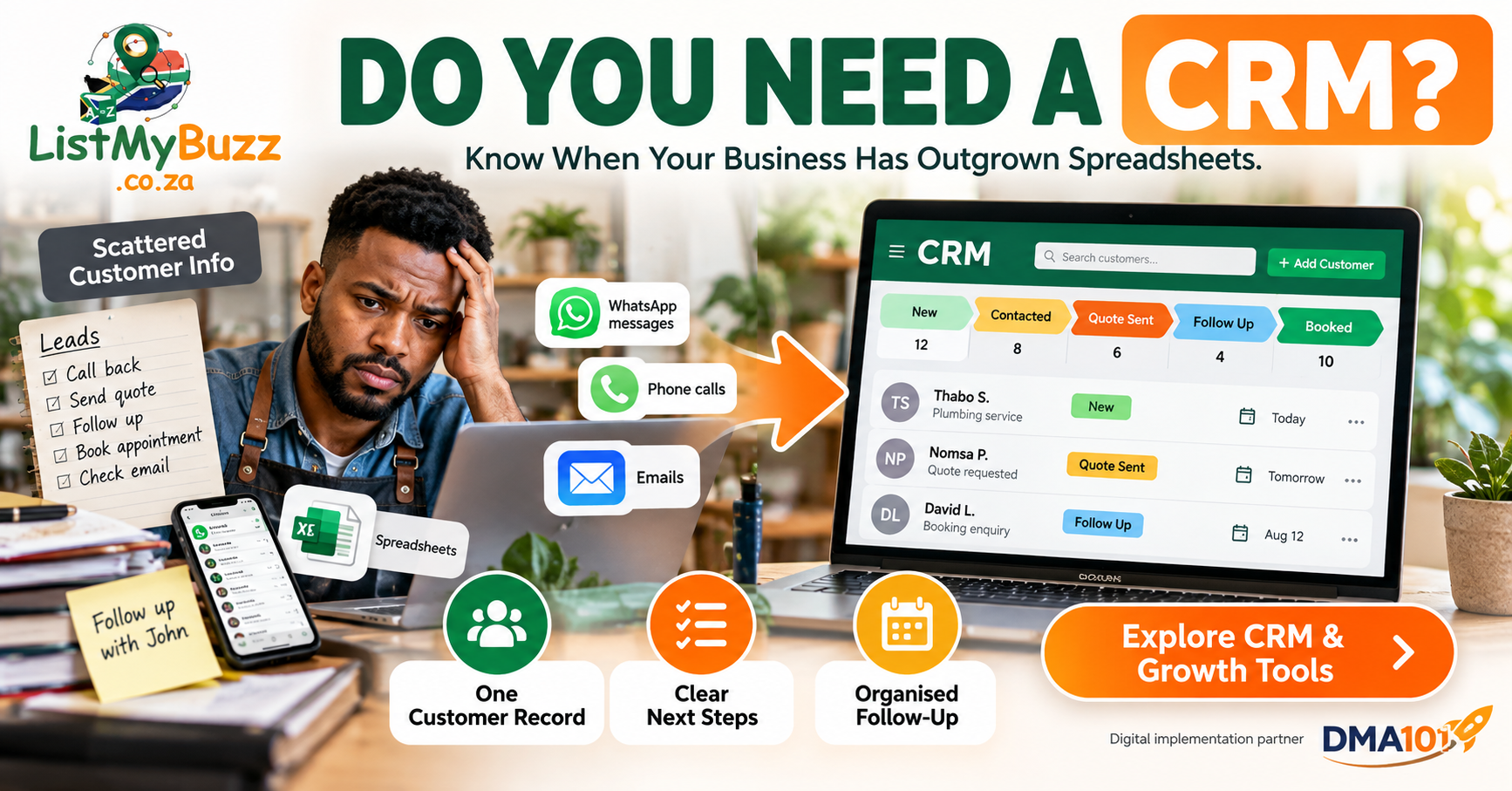
Do You Need a CRM for Your Small Business?
When WhatsApp, spreadsheets, email and memory stop being enough to manage customer enquiries properly.
Read article
What Happens After a Customer Enquires About Your Business?
Getting discovered is only the beginning. What you do after a customer contacts you can determine what happens next.
Read article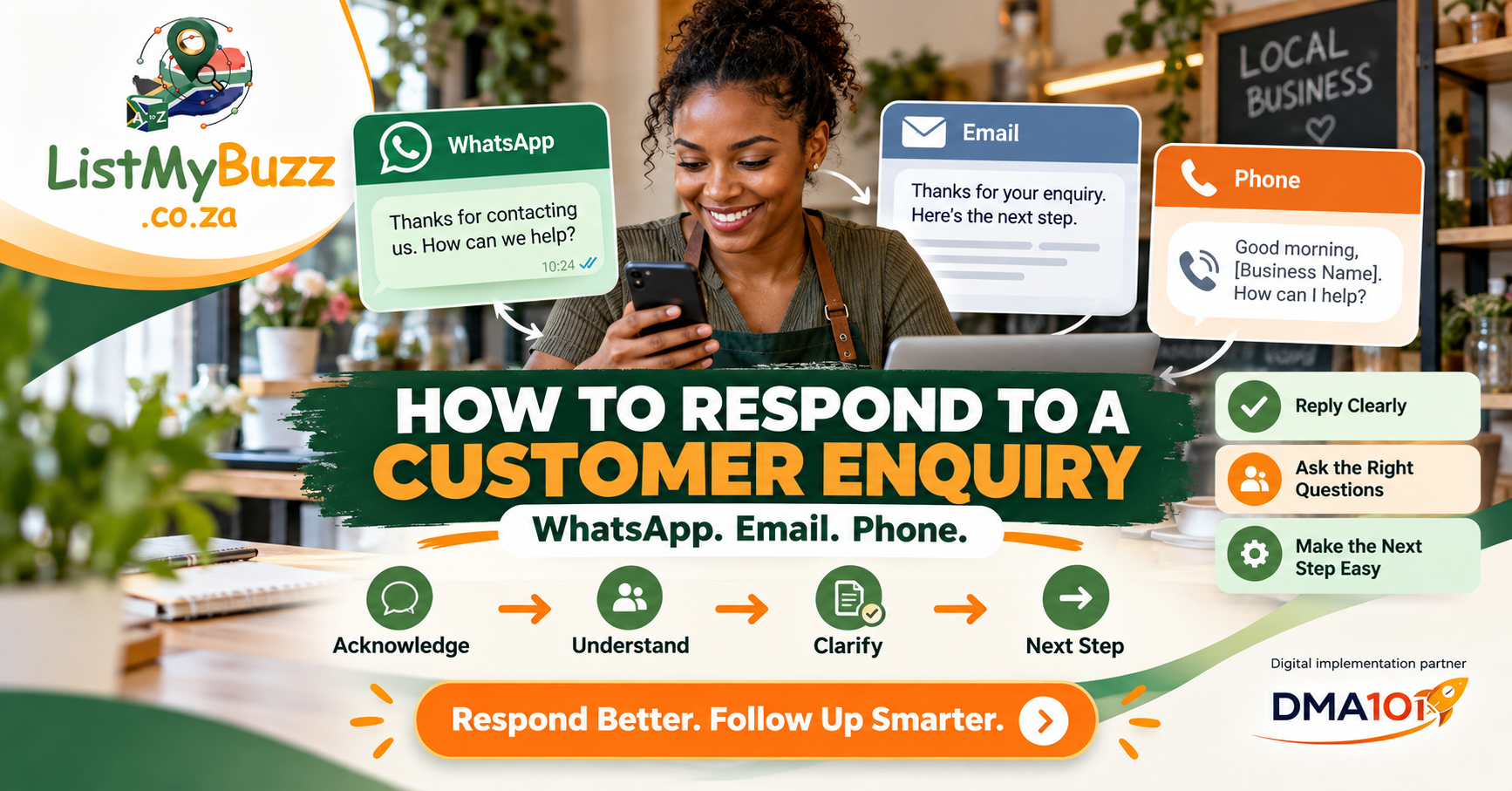
How to Respond to a Customer Enquiry: Templates for WhatsApp, Email and Phone
Practical response templates for new enquiries, quote requests, missed calls, bookings and customer follow-up.
Read article